
The Casual Experience
Play casual golf rounds solo or with friends, join existing games, and track live leaderboards. On the Free tier, game setups are limited to 12 players.

Use Apex Golf App for FREE
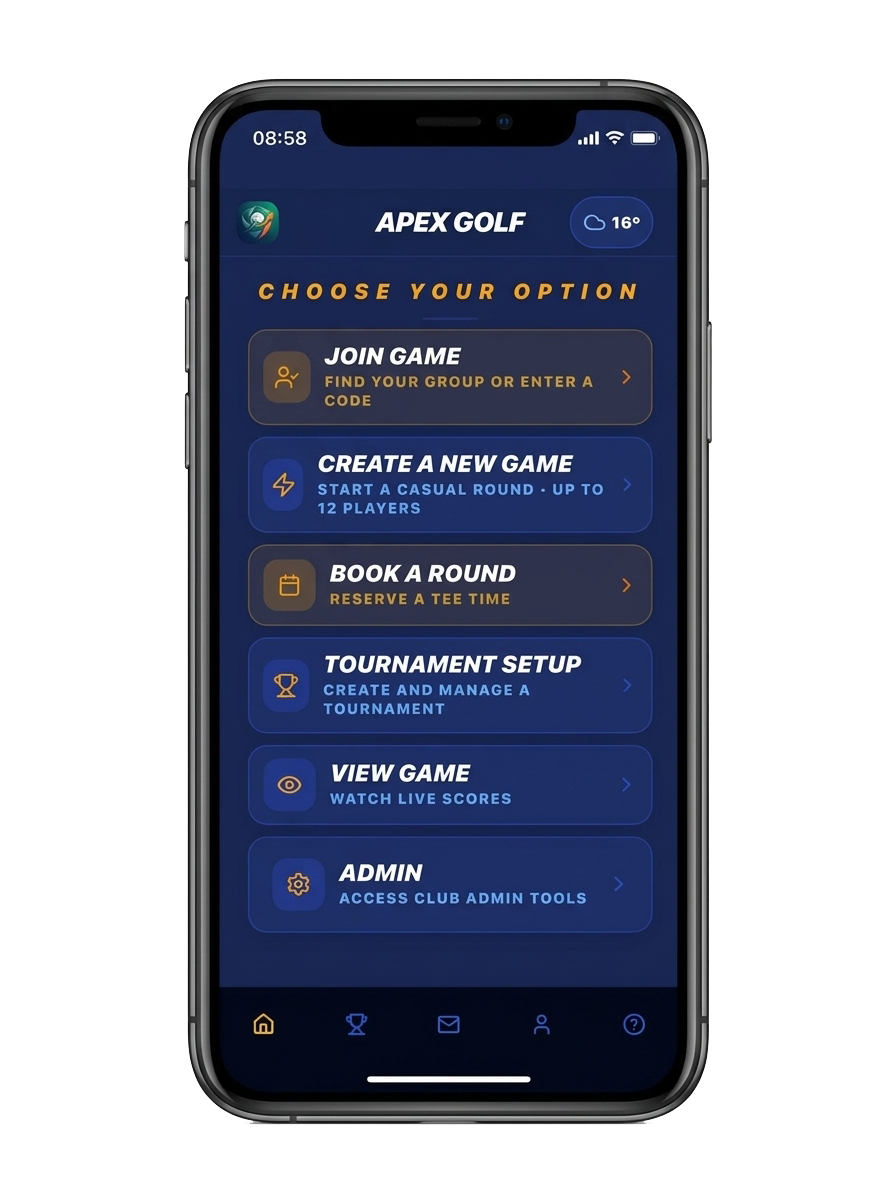
Join Game
Find your group with a share code, a QR invite, or your linked profile.
From First Tap to Final Putt
The full casual-round journey, screen by screen.
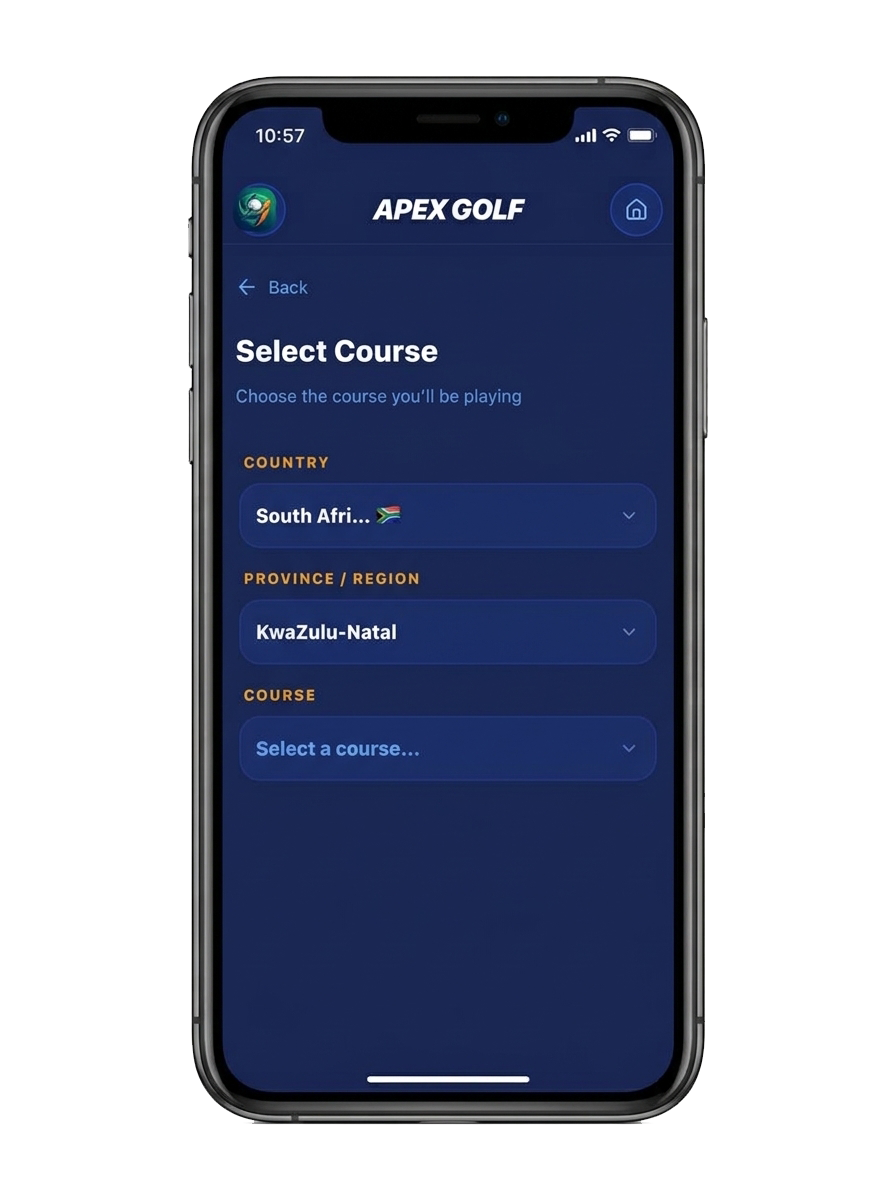
Select Course
Country, region, then club.
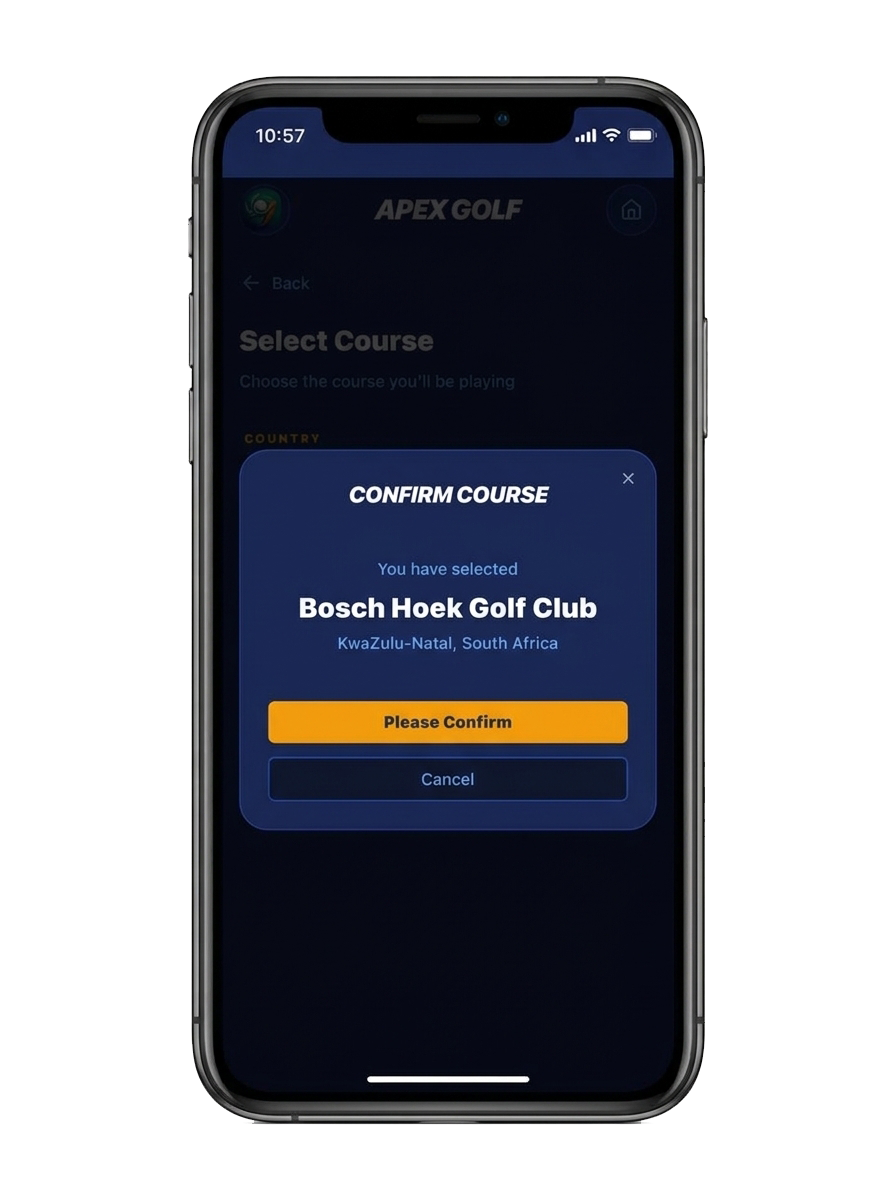
Confirm Course
Make sure you have selected the correct course.
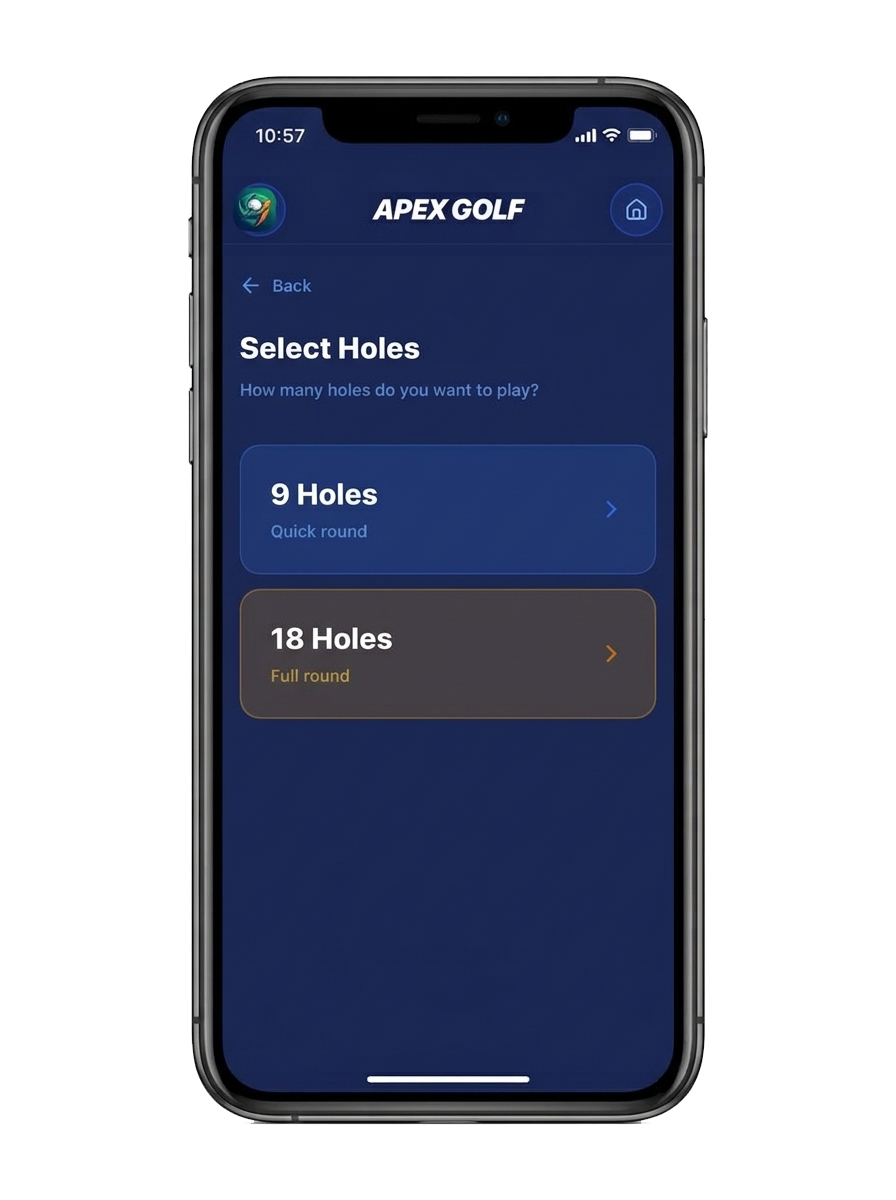
Select Holes
A 9-hole quick round or full 18.
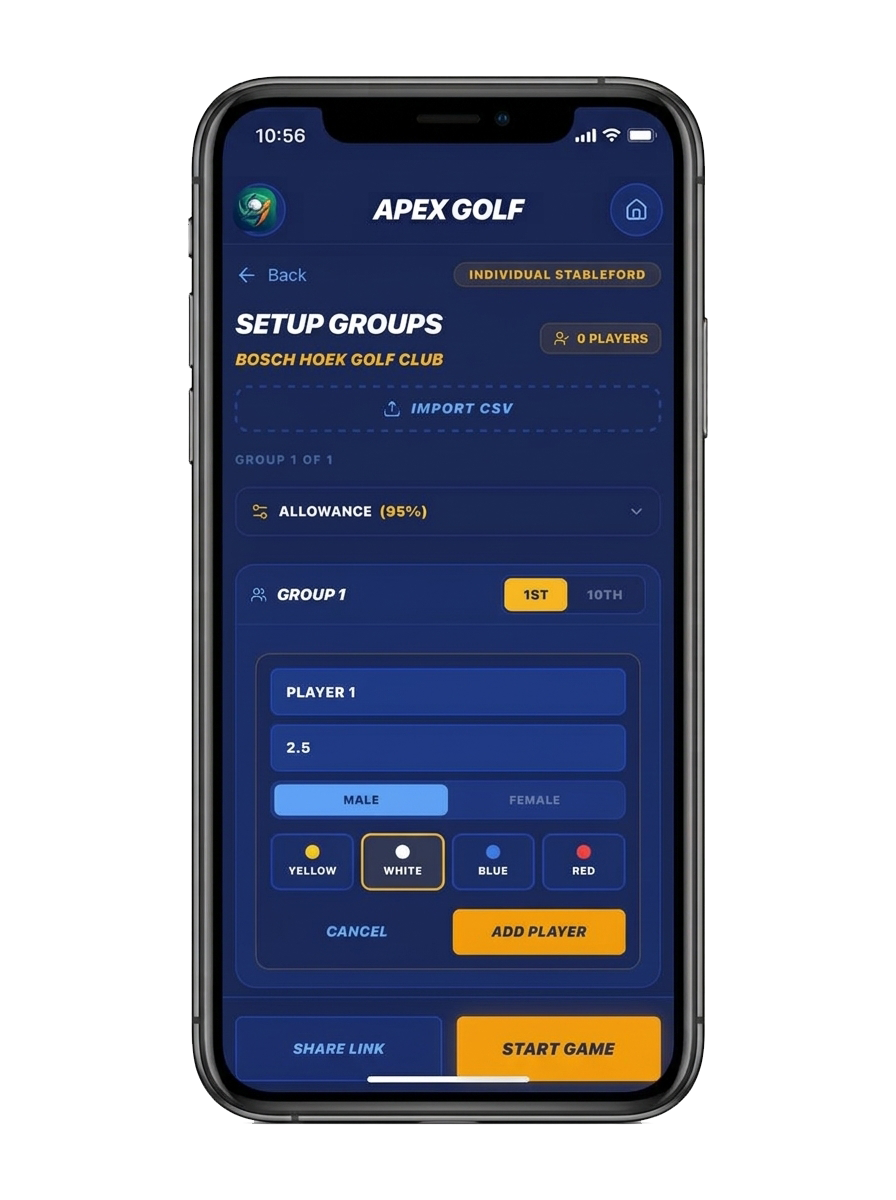
Setup Groups
Add players, set handicap and tees.
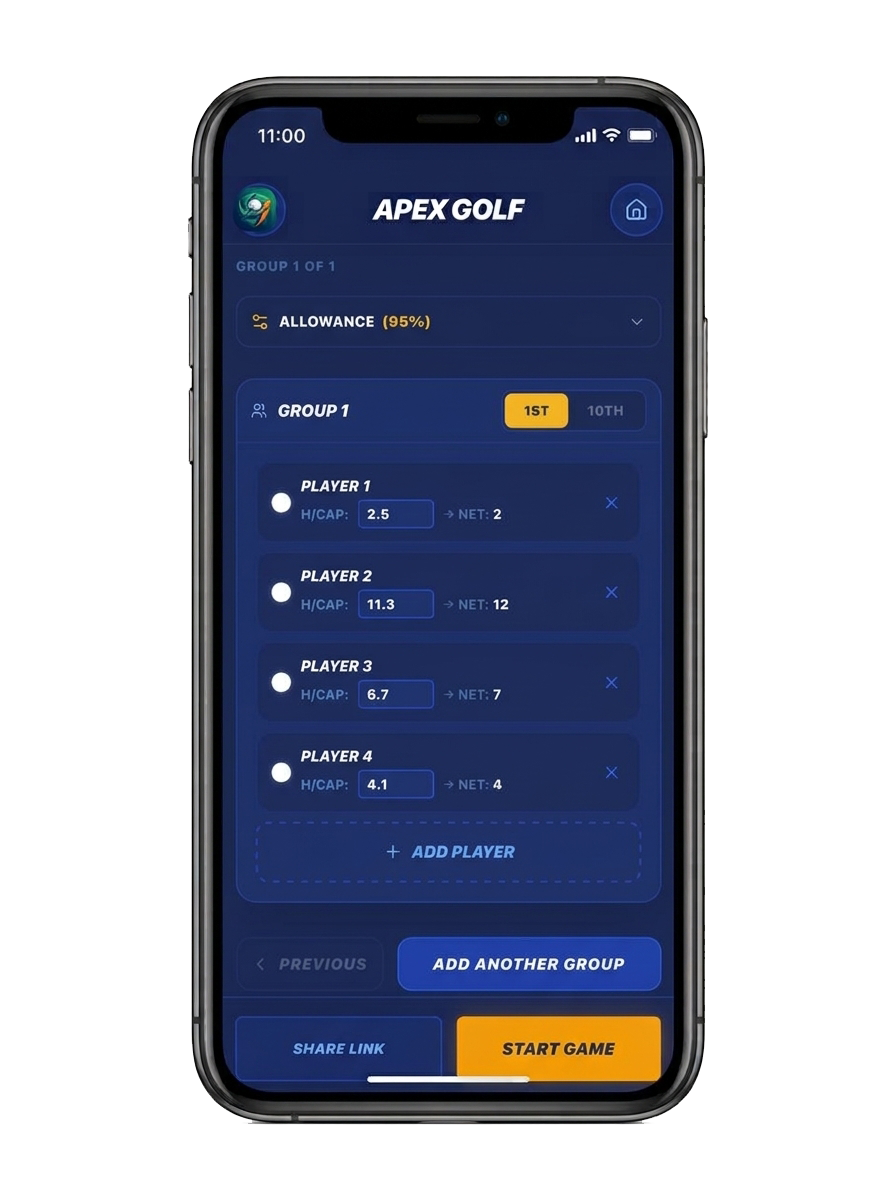
Review Group
Up to four players per group.
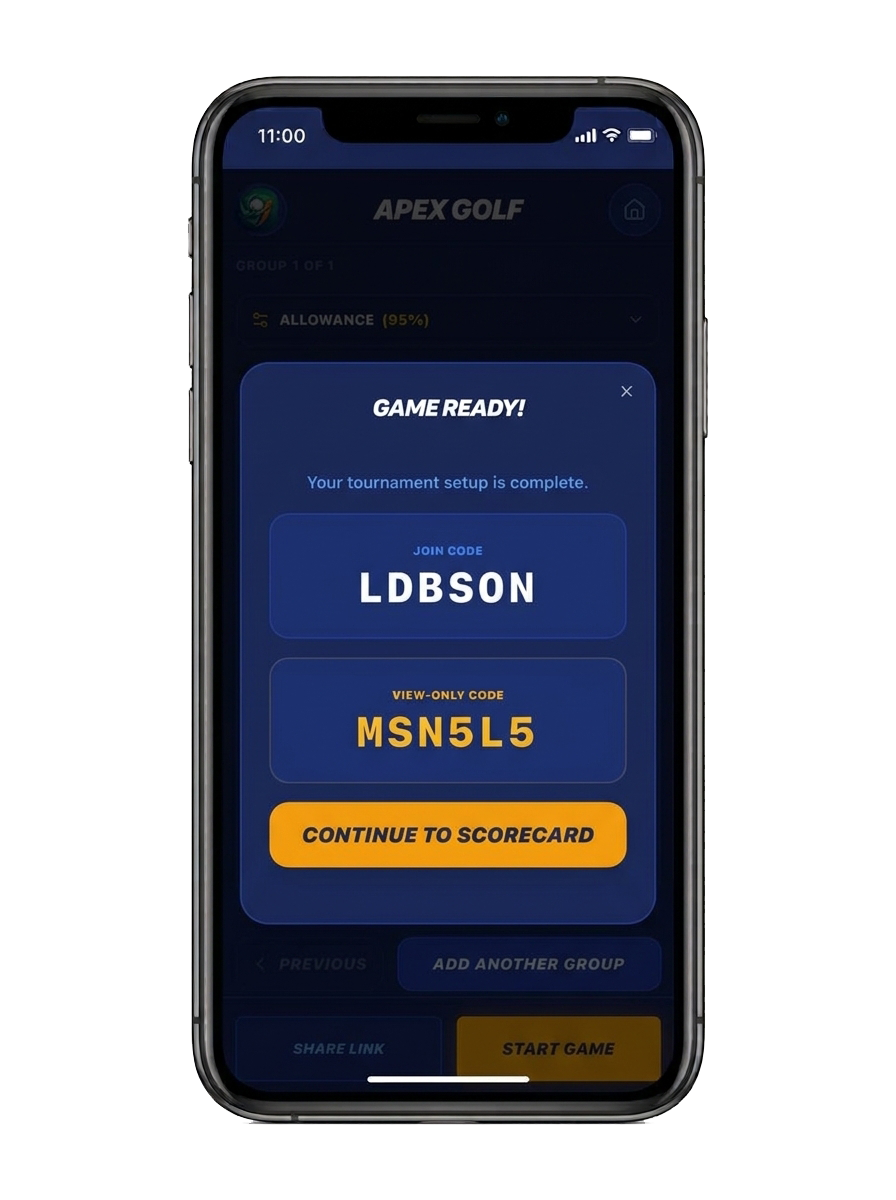
Game Ready
Share join and view-only codes.
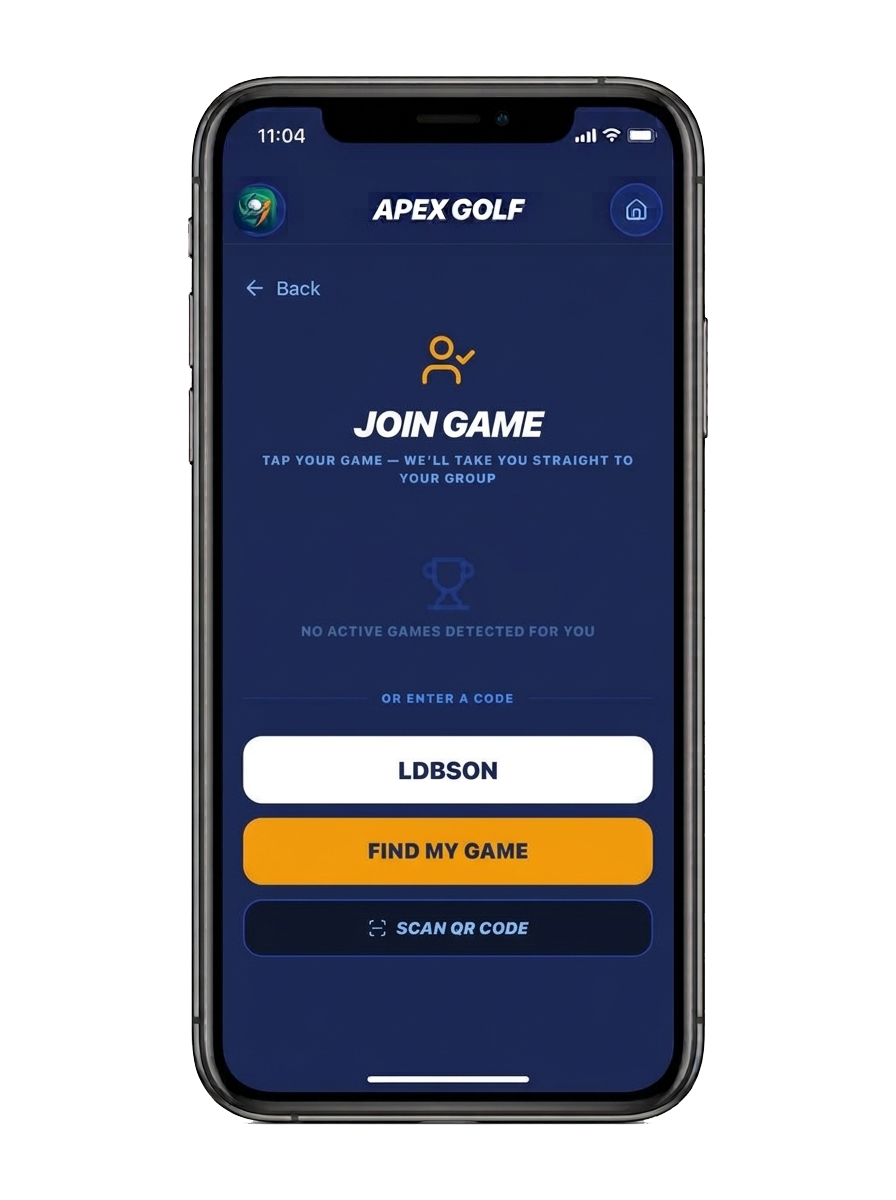
Join Game
Enter a code or scan a QR invite.
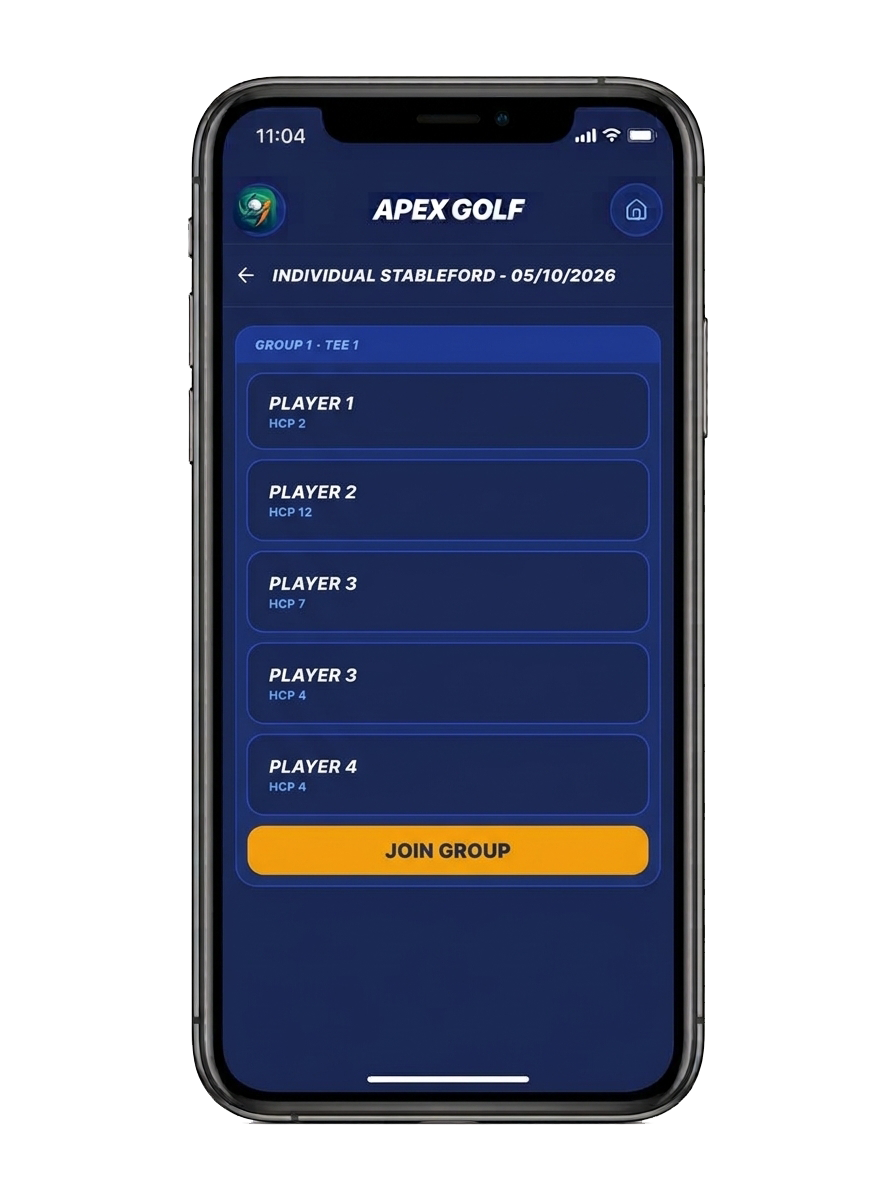
Join Group
Pick your group and start playing.
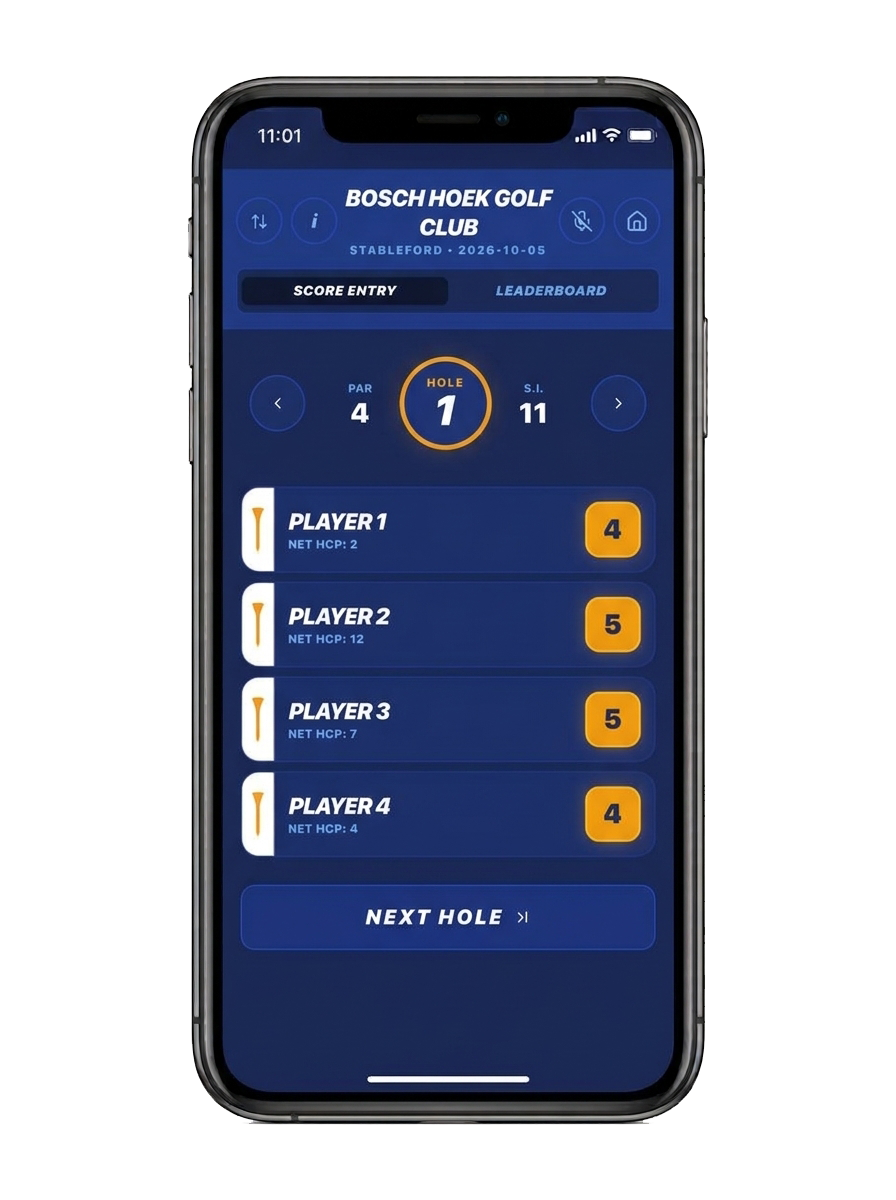
Score Entry
Tap the square next to the player's name to enter a score.
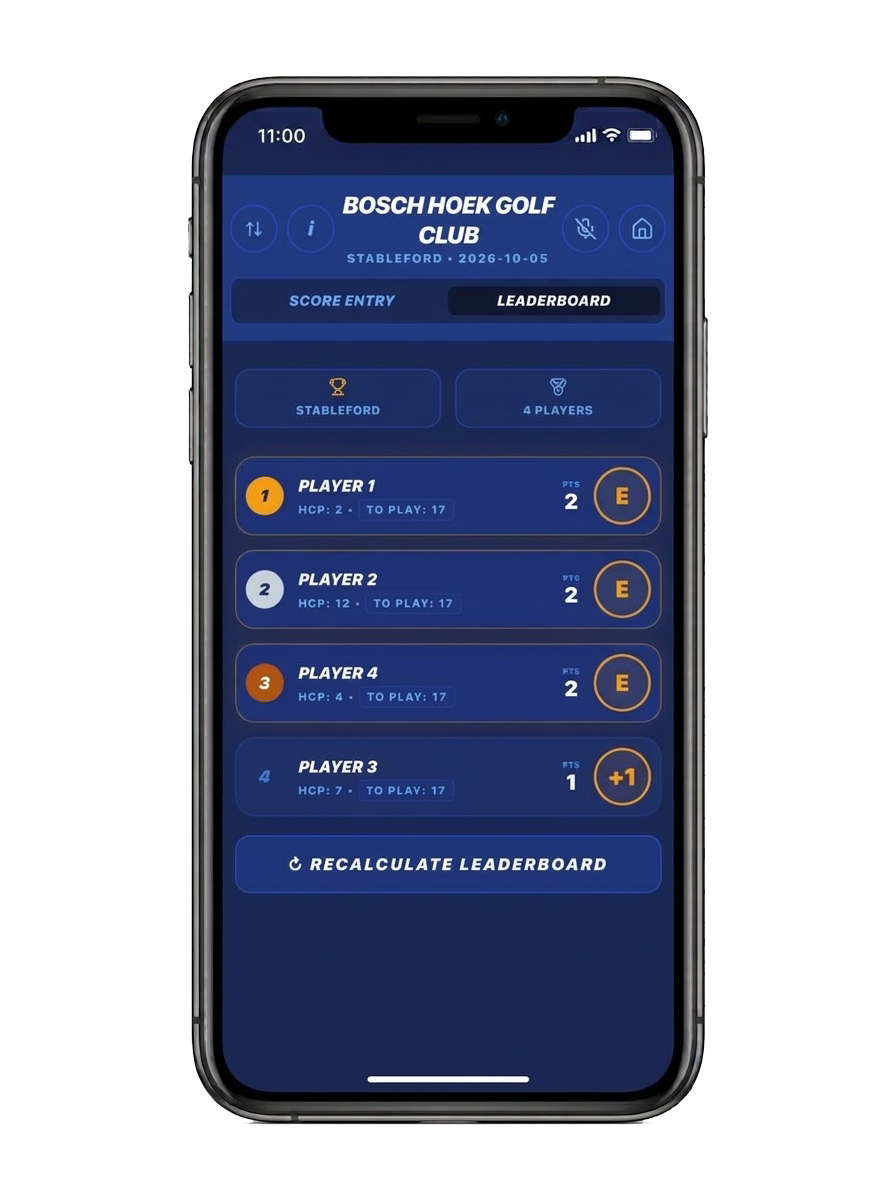
Leaderboard
Real-time standings as scores come in.
The Casual Experience
Play casual golf rounds solo or with friends, join existing games, manage score entry, and track live leaderboards. Casual games support up to 12 players.
Home Screen Overview
The main interface for Free-tier users to initiate, join, or view golf games.
Creating a New Game
The steps to set up a new casual golf round, from selecting game types to defining the group.
Joining and Resuming Games
How to access existing games via invitation or resume a game already in progress.
Score Entry and Leaderboard
How to manage scoring and follow live standings during an active round.
Live Scoring, Built for Competition
Home
Return to the home screen at any point during the round.
Get in Touch
Want to learn more about the Apex Golf App? Whether you're a club, a partner, or a golfer, we'd love to connect.